
Rohos Disk. Virtual Keyboard and Autorun.
Rohos Disk Encryption new release from June 05 now allows more efficiently password protect your USB flash drive – with Virtual Keyboard. As the response to multiple users’ request we added Virtual Keyboard that enables the program’s user to safely enter a password without been traced by a key logger while working on a guest’s computer.
In the Rohos password access box there is a new button, clicking on which enables virtual keyboard.
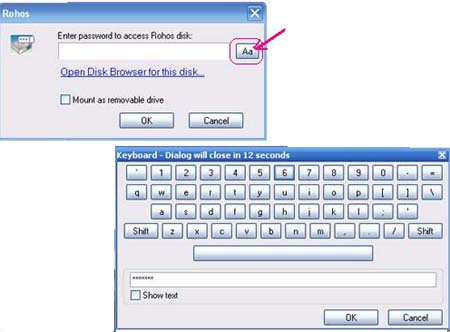
And Autorun folder – all shortcuts in this folder will be automatically started when virtual Rohos drive is connected. Users can Save and Delete shortcuts there manually. If you don’t have this folder just create it.
These features are now available both in Rohos Disk Encryption and Rohos Mini Drive – wonderful tools to password protect and secure your mobile data.
 Not long ago we bought APACER AH620 with 4 Gb capacity and fingerprint scanner. Embedded program allows to use password protected USB flash drive for data protection.
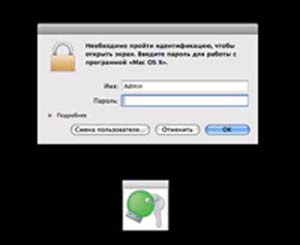
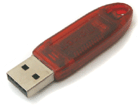 Now the popular token ruToken can be used in Rohos Logon Key and Rohos Disk programs as a single Key for Windows (including Vista x86/x64) authentication, and for data protection on Rohos Disk.
 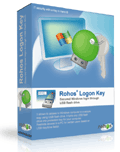 Rohos Logon Key 2.5 new release (May 14, 2008) includes support for Windows Server 2003 x64 (IA64, AMD64). The update affects support for the logon model “Windows native authentication (msgina.dll)”.
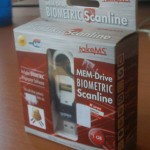 New device, 1 Gb MEM-Drive Biometric Scanline takeMS flash drive, came in our laboratory. Carry it Easy Plus Bio built-in program allows to use Biometric Authorization for data protection on USB drive. The present USB flash drive is compatible with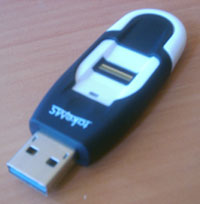
 Tesline-Service announces that now Rohos Disk and Rohos mini are available both for 32-bytes (x86), and for 64-bytes (x64 – AMD64, IA64) versions.
 New Rohos Logon Key release (April 2008) now supports BlueSoleil. BlueSoleil (former Widcomm) drivers are supplied for many Bluetooth adapters and devices around the world.
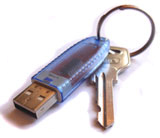 Now the popular USB token uaToken can be used in Rohos Logon Key and Rohos Disk programs as a key for Windows logon (including Vista x86/x64) and data protection on Rohos Disk.