Registering multiple 2FA users with Google Authenticator configuration delivered by Email
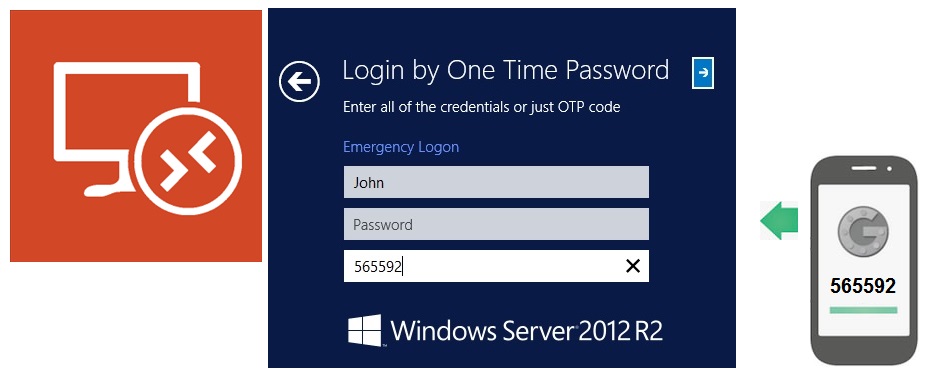
 Rohos Management Tools provides a secure way to setup multiple users or authentication devices. Now it is easy to setup a list users with Google Authenticator 2FA. It is also possible to automatically send an email message to each user that includes Google Authentication setup instructions. The most secure way is to use corporate email.
New ways to register multiple user or 2FA tokens: by using CSV file or PowerShell script.
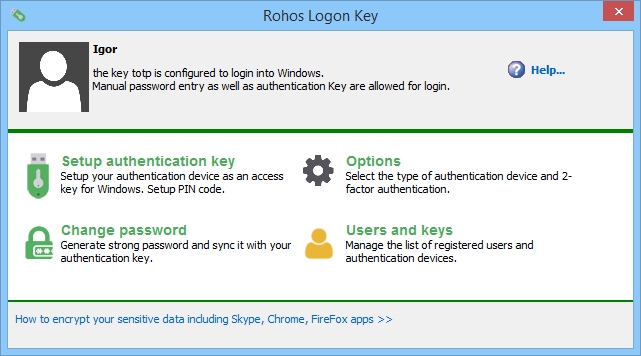
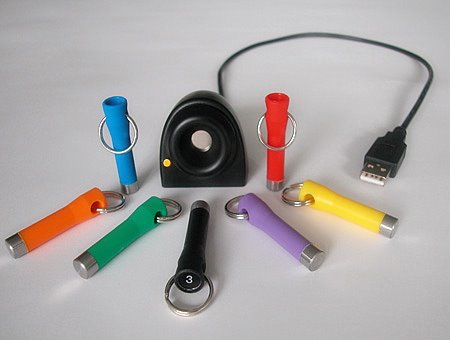
 In short: now the popular ruToken identification device can be used in Rohos Logon Key and Rohos Disk as the one key needed to log in to Windows and your protected data. Rohos Logon Key works fully on Windows Vista/7 and also supports authorization for remote desktops using a ruToken. User authentication and identification with USB keys.
 We are welcome you to try Rohos Logon Key and Rohos Disk Encryption software on a new amazing operating system released by Microsoft recently.